What does it know?
The source, age and limits of a record belong beside the value. Sockeye makes unavailable sources explicit.
SockeyeCustom interfaces, internal tools and focused products. Built around the people, information and decisions that off-the-shelf software does not quite fit.
For teams with a specific operational problem, and founders ready to test a focused product idea with working software.

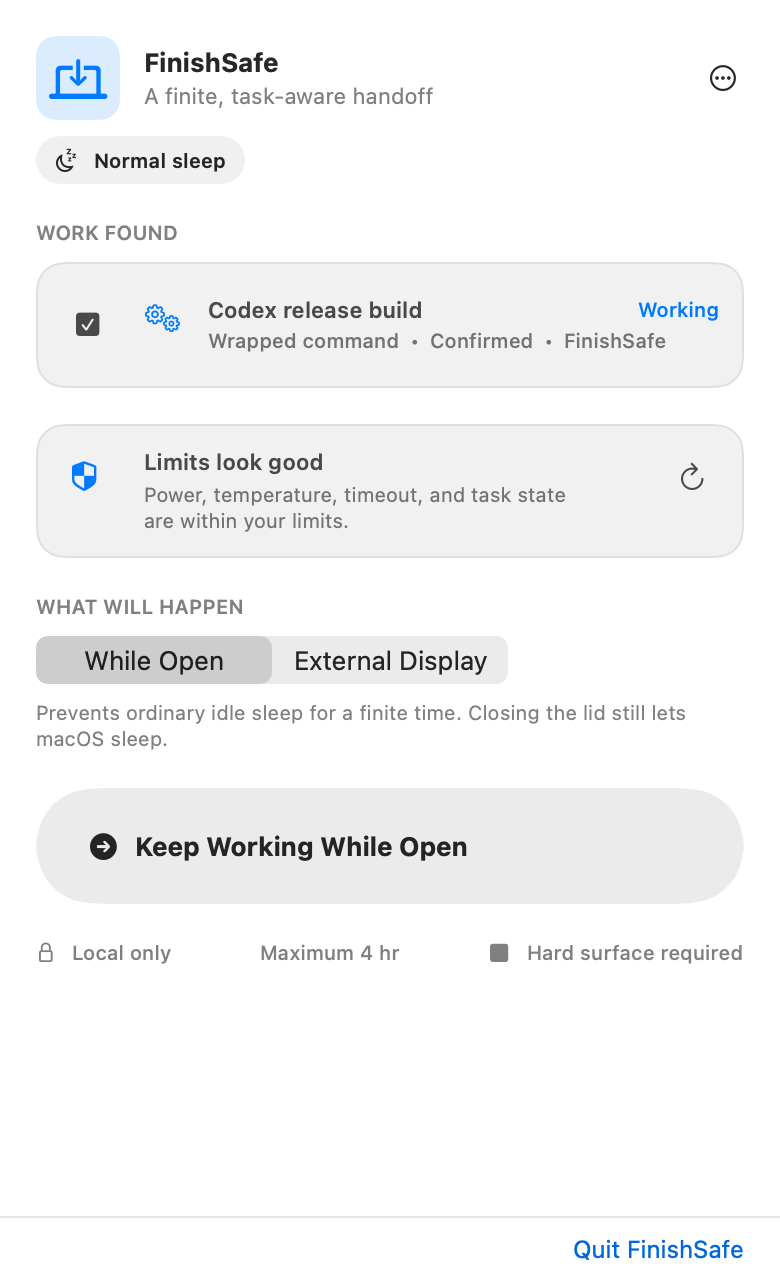
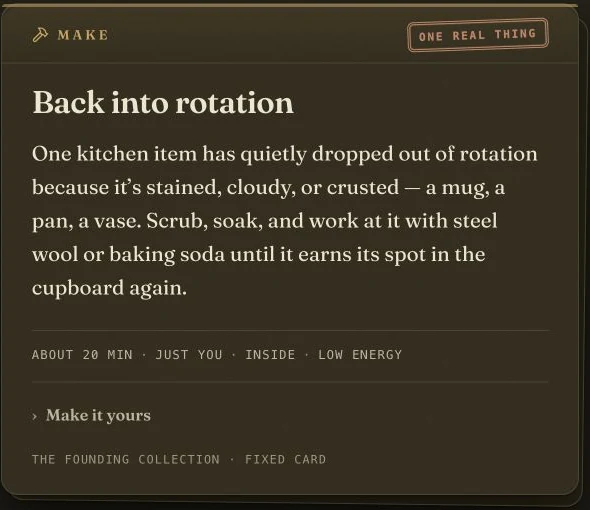
A selection needs to survive the move from a busy table to a saved comparison and then to its detail. The record keeps its captured values, source and timing.
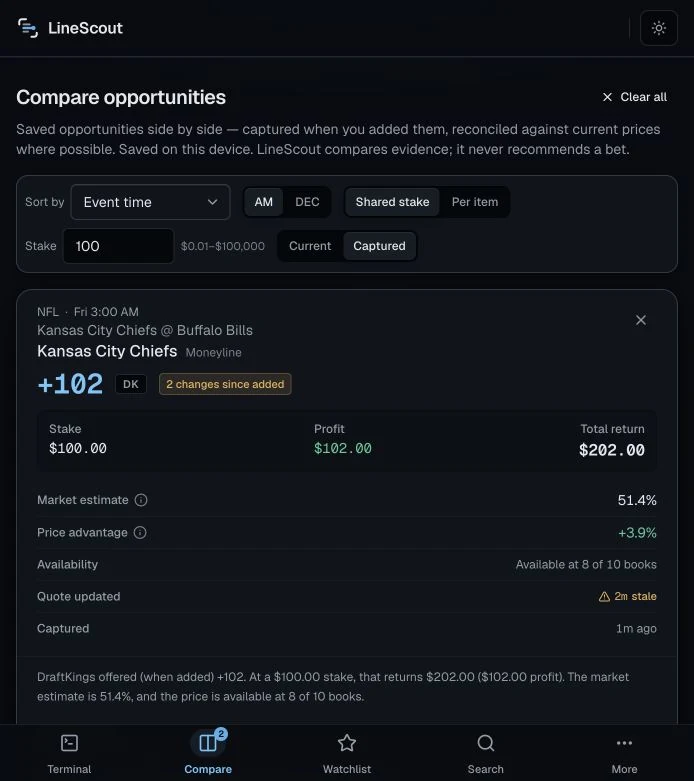
The saved comparison separates captured values from current values, and keeps quote age and changes visible.
View screenBrowse recorded product states from September 2026. Prices and timing are sample data, with no live market feed.
The source, age and limits of a record belong beside the value. Sockeye makes unavailable sources explicit.
SockeyeArrival, work, interruption and return need deliberate treatment. Go Be Human gives each moment a clear place.
Go Be HumanAn observation is different from a confirmed result. FinishSafe carries that distinction into its receipts.
FinishSafeComparison with a memory
A dense dashboard carries captured values into comparison and event detail, keeping time and source context attached.
A saved price needs a memory.
A mobile experience with restraint
A local-first activity flow has an arrival, an invitation, an away state and a gentle return. Each screen serves the same purpose.
Design for the moment someone leaves.
Software for a working environment
Sockeye keeps field information, source freshness and unavailable states together. Private logs stay on the device.
An unavailable source should look unavailable.
A workshop that remembers the work
Fictional repair tickets, durable local progress and retrieval practice make study a sequence of deliberate actions. Curriculum and human review remain incomplete.
Progress is not readiness.
From an idea to an evening plan
A documented mobile/web MVP centers plan creation and social interactions. Runtime, account trust and distribution remain release gates.
Start with a plan people can understand.
Native tools with a clear finish
A macOS alpha connects finite work to bounded sessions and receipts, separating an observed result from uncertainty.
“Unknown” is a useful result.
Choose a real task and a small path through it. Agree what the first version must know, do and leave to a person.
Model the information, permissions and transitions. Make loading, missing data, interrupted work and recovery part of the interface.
Test the prototype against the working context. Refine the flow, plan integrations and hand over a maintainable tool with clear operating limits.
That can be enough to define a first prototype.
Start a projectBring the idea you’ve been turning over. We’ll find a clear place to begin.
Start a project